

Workshop report · PCI Express SSD · Desktop PC · 100 KB/s
Programs barely open, every click takes forever, and even the third restart changes nothing? That is exactly how it started for a customer who brought his PC to my specialist workshop in Stuttgart-Sillenbuch on a Friday afternoon. He had tried to fix it himself first, without success. He could no longer work with the machine. On the drive were self-built Minecraft worlds for his friends and his own Python programming projects: things with countless hours of heart and soul in them, and nothing you can download again anywhere.
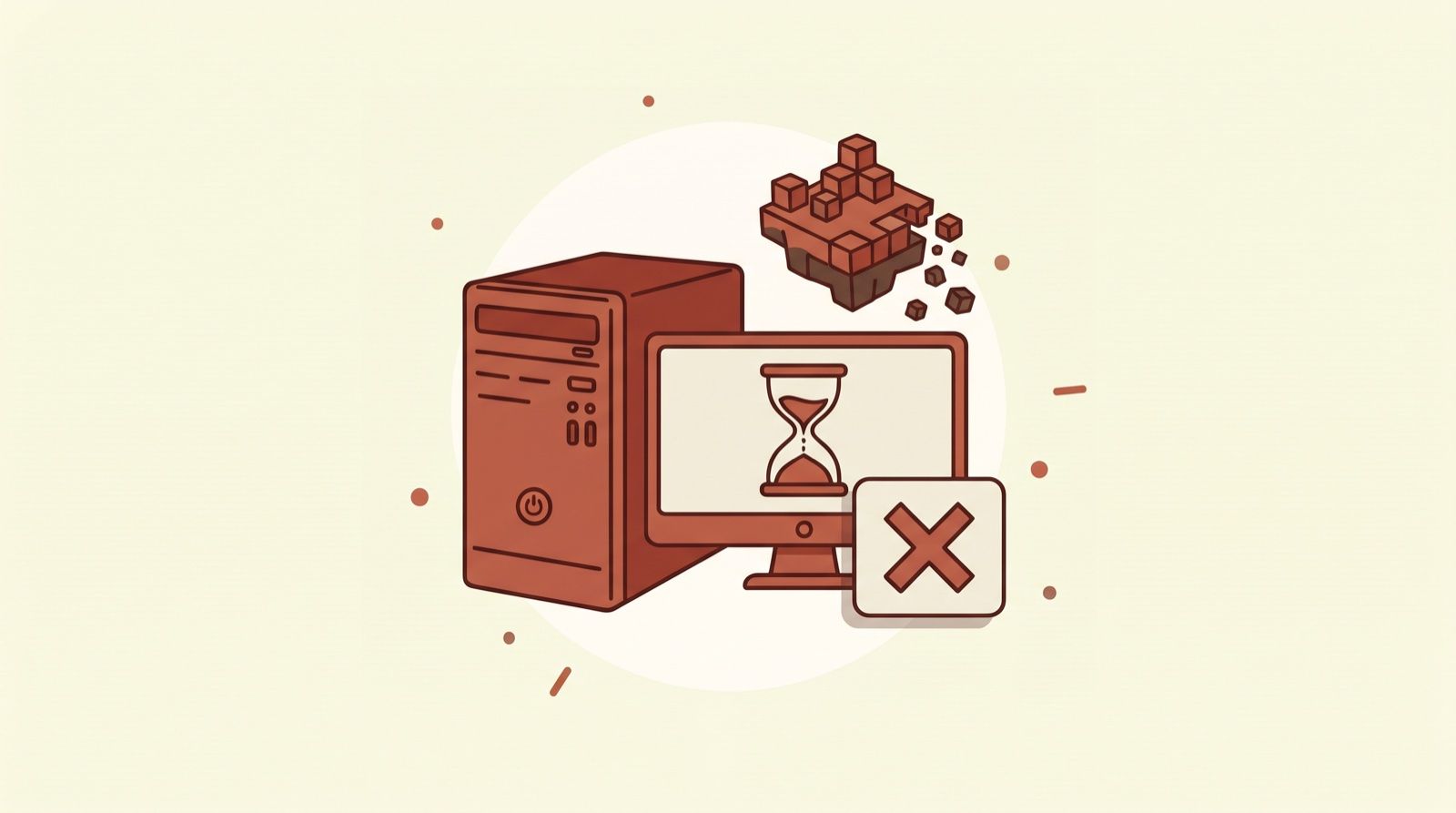
The diagnosis: 100 kilobytes instead of 1,000 megabytes per second
The measurement quickly showed the full extent of the problem. A modern PCI Express SSD normally delivers read rates well above 1,000 megabytes per second. This drive, however, dropped at times to a mere 100 kilobytes per second, one ten-thousandth of its regular speed. Only now and then did the throughput recover for brief moments to around 10 megabytes per second.
- 100 KB/sinstead of over 1,000 MB/s
- 24 hoursof cloning in one go
- 100%of the data recovered
The insidious part of this failure pattern: the operating system reported no error at all. The SSD appeared intact. Behind the scenes, however, the drive's controller was constantly busy compensating for massive internal read errors at the chip level. It was fighting for every single byte. The SSD was dying silently.
If your computer is behaving similarly right now: do not keep trying on your own for hours. Give me a quick call instead. A first assessment by phone costs you nothing, and it is often enough to prevent permanent data loss.
The recovery: sector by sector, for 24 hours
In such a state, a storage device must never be operated normally or stressed with write access. The rule is: secure the raw data as gently as possible.
Using OpenSuperClone, a specialist program that reads failing drives gently, sector by sector, I cloned the PCI Express SSD onto a brand-new SSD that the customer had brought along. The controlled read-out took exactly 24 hours straight. The patience paid off: at the end of the cloning process there were zero read errors and zero unreadable sectors.
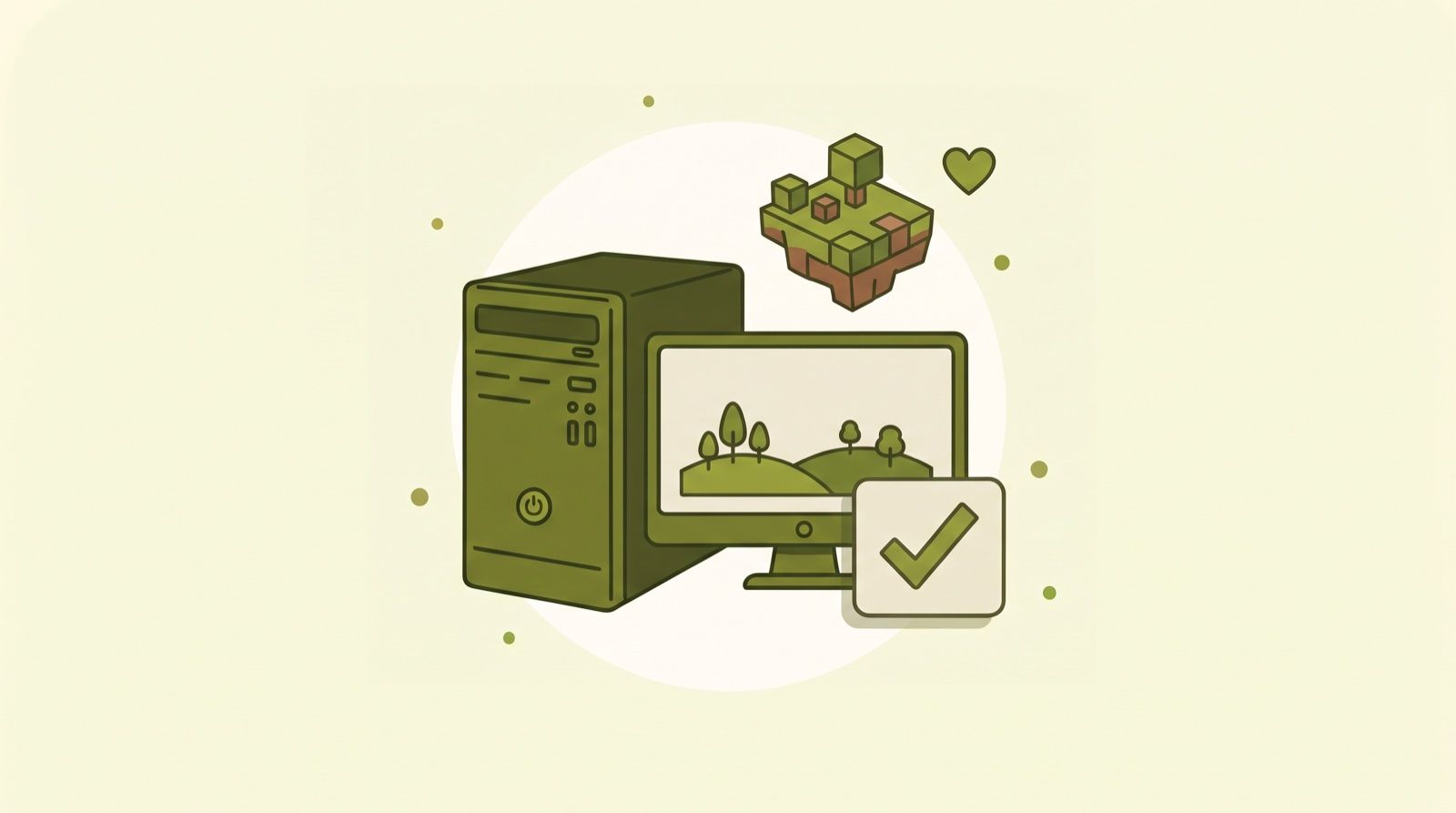
The result: dropped off Friday, ready again Tuesday
Four days after the Friday drop-off, the system was fully repaired on Tuesday:
- The computer booted directly and without errors from the new SSD.
- 100 percent of the data was preserved: no loss, no reinstallation needed.
- The Minecraft worlds and all Python scripts were back in their usual place.
- The customer could sit down at his desk again immediately and carry on seamlessly.

Three lessons from this case
- Make regular backups. A technical defect rarely announces itself long in advance. A current backup takes the fright out of any hardware failure.
- Take sudden slowness seriously. If a previously fast computer becomes sluggish for no apparent reason, it is often not a software or virus issue but a serious warning sign from the hardware.
- Check the health values once a year. If you have the health values (S.M.A.R.T.) of your drives checked every year, you will often spot rising error rates in time, before the drive fails.
What you can do yourself when things suddenly slow down
- Call first, then act. If the computer hangs, keeps getting slower or makes noises: switch it off and call me – every further copy attempt puts strain on the ailing drive. If it still runs normally, copy at most your most important files after a quick call.
- Pull the emergency brake. As soon as the copy stalls or transferring a single file takes several minutes: stop immediately and shut the computer down.
- Do not force any tools. Do not run automatic repair tools, defragmentation or virus scans. Every additional load reduces the chances of a clean data recovery.
If you are unsure whether your computer is merely overloaded or the drive is actually about to fail: you do not have to judge that alone. Just give me a quick call or write to me. I will tell you honestly and without obligation what the symptoms sound like and which steps make sense.
Technical details (for the technically minded)
- Medium: PCI Express SSD (NVMe) in a desktop PC
- Read rate: at times 100 KB/s, briefly up to 10 MB/s (expected: over 1,000 MB/s)
- Failure pattern: no error message from the operating system, controller internally correcting massive read errors
- Approach: sector-by-sector 1:1 clone onto a brand-new SSD, no write access to the original
- Clone duration: 24 hours · read errors: 0 · unreadable sectors: 0
- Tool: specialized data recovery software